













When and how to enter APN?






When and how to enter APN?

When and how to enter APN?
Most devices auto‑configure APN. Enter it only if data or hotspot is missing.
iOS:
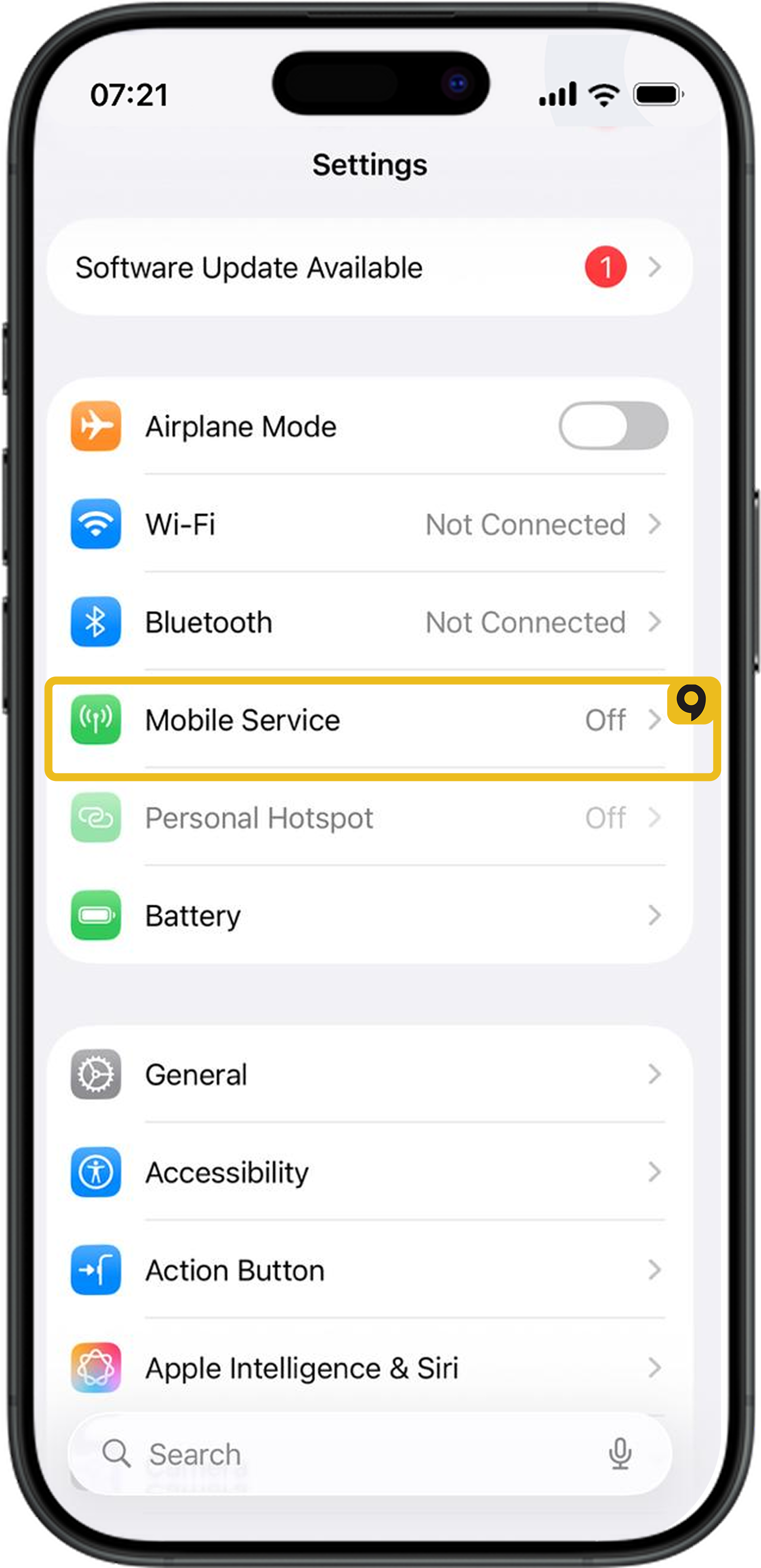
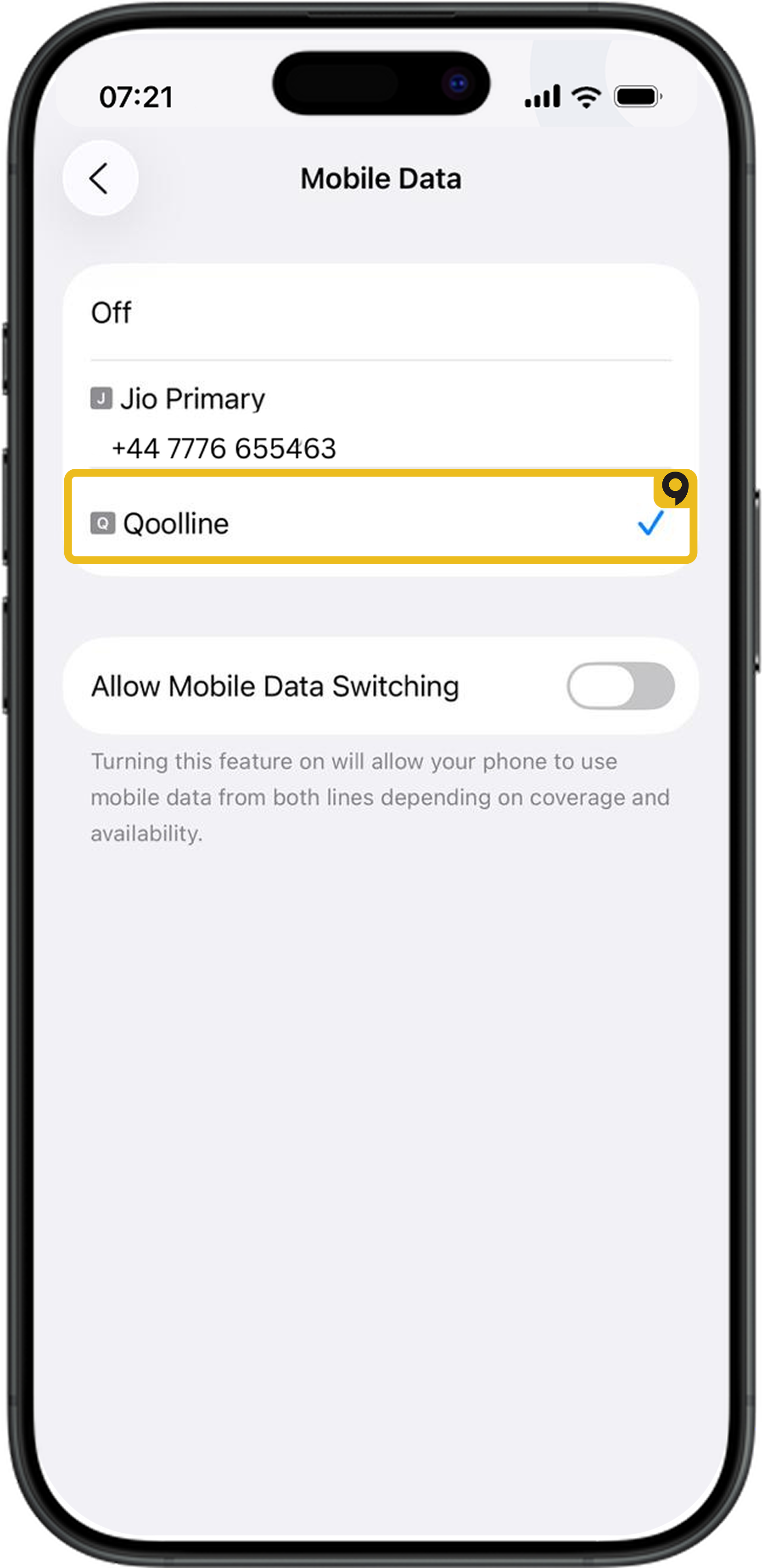
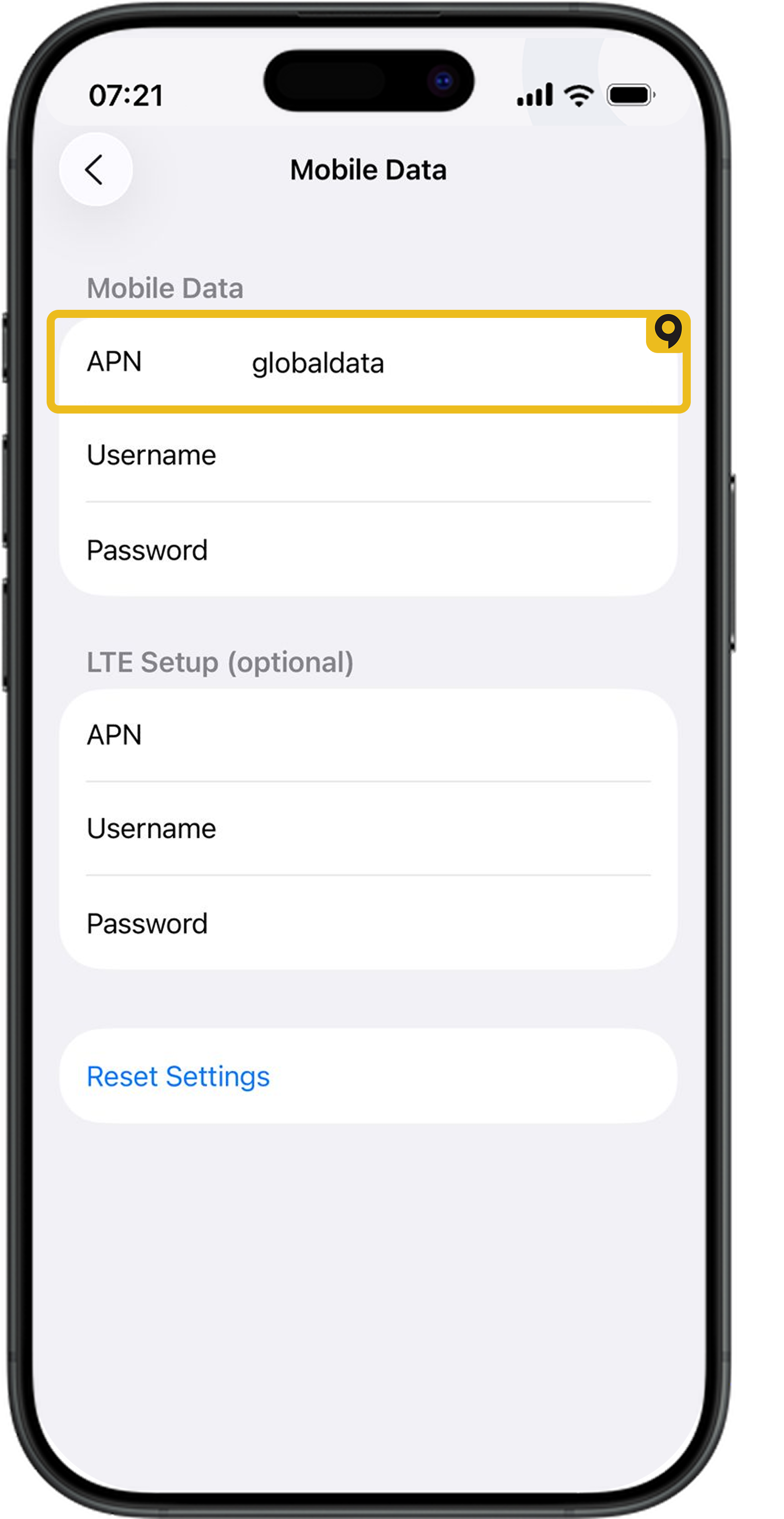
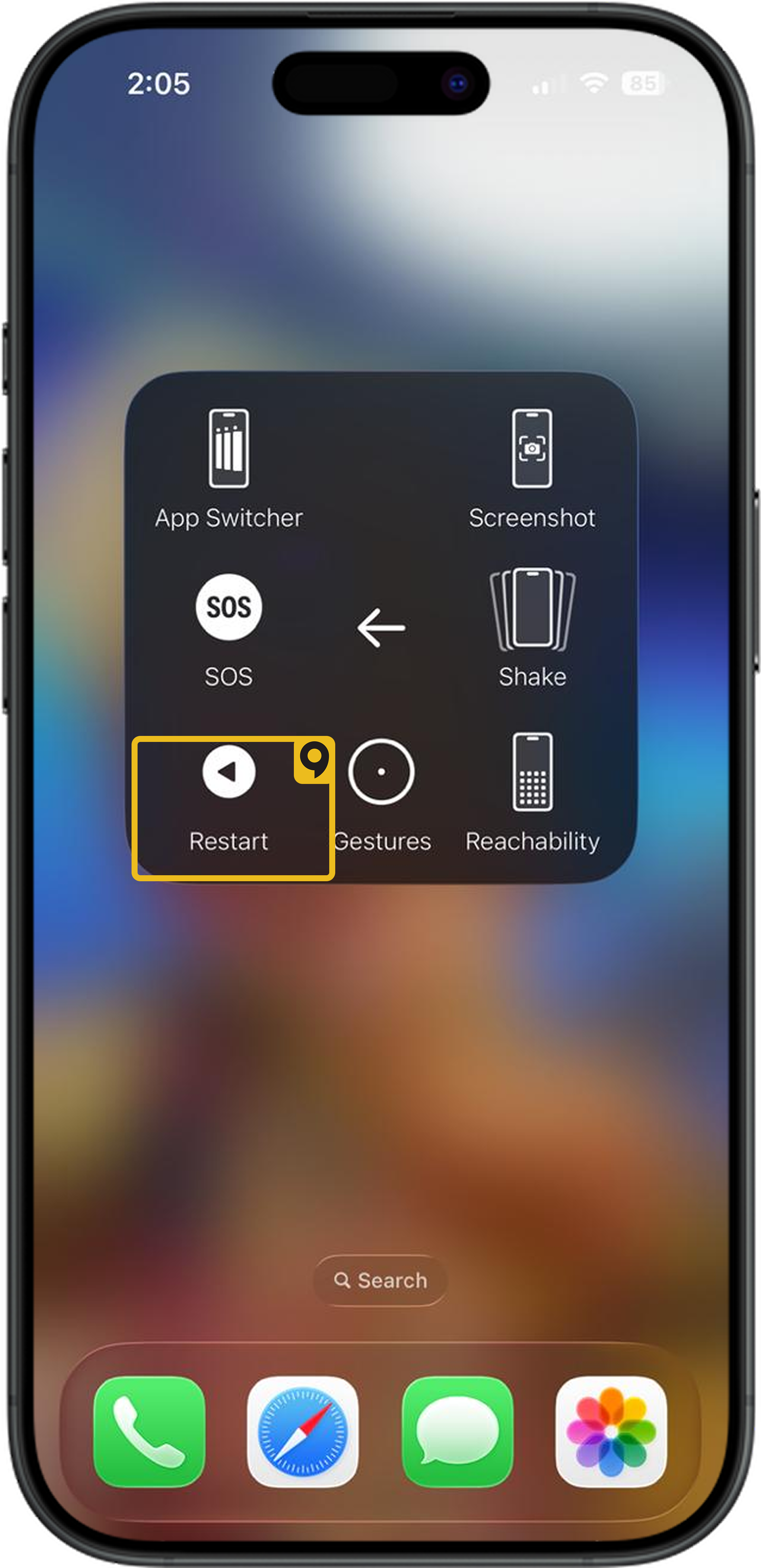
Settings → Cellular → Qoolline → Cellular Data Network → enter the APN from your plan → back → restart. 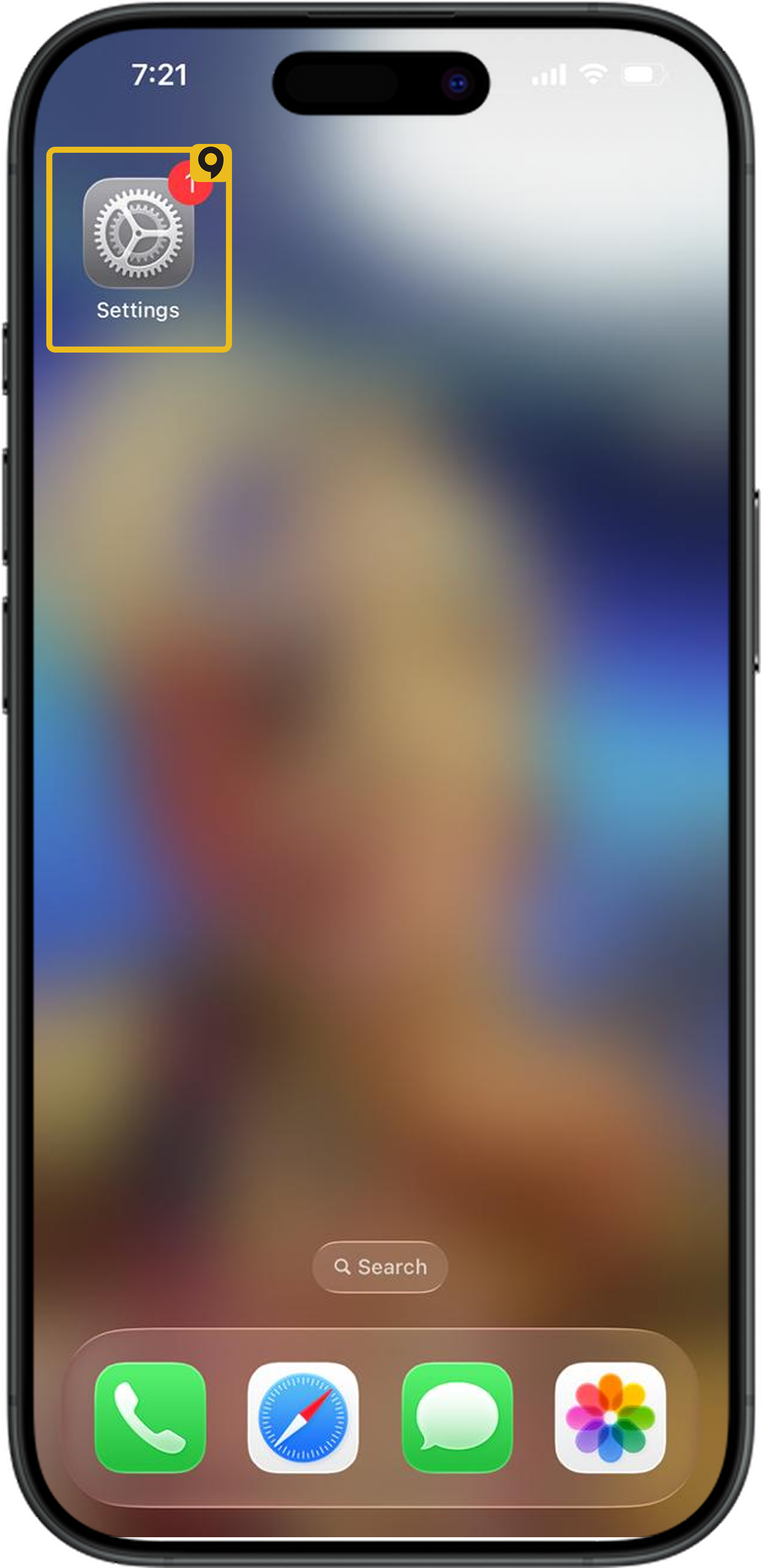
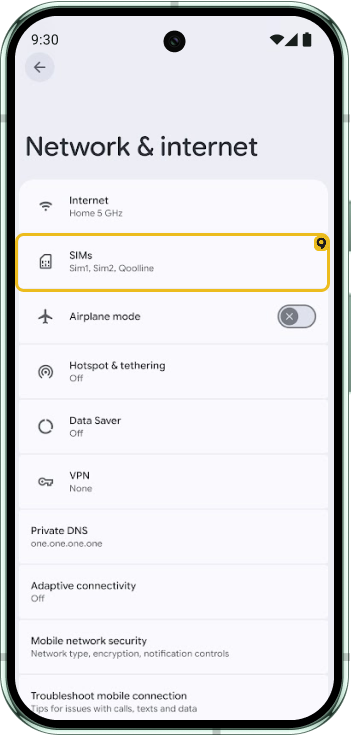
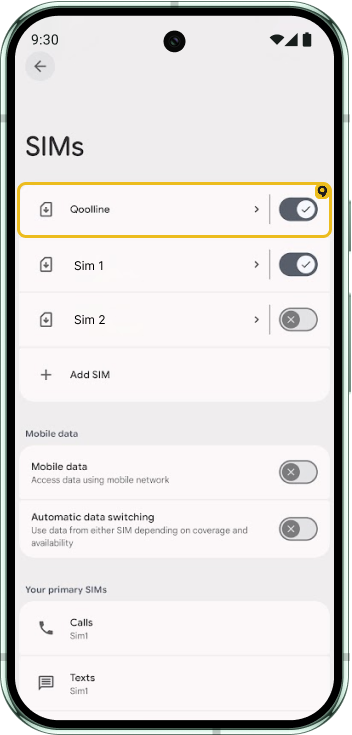
Android:
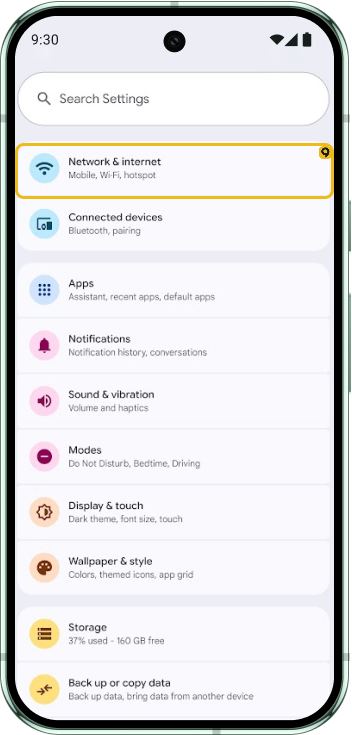
Settings → Mobile networks → Access Point Names → Add → enter APN → Save → select it → restart. 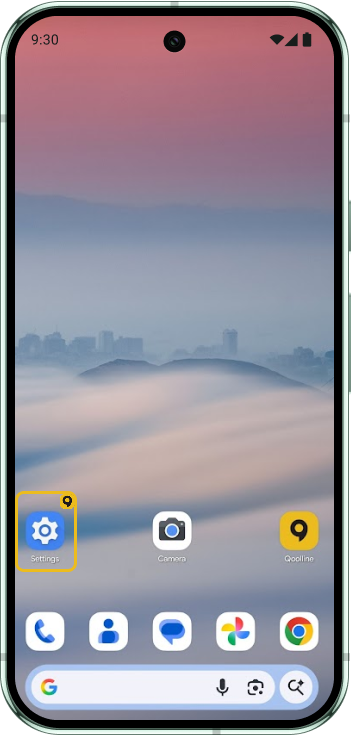
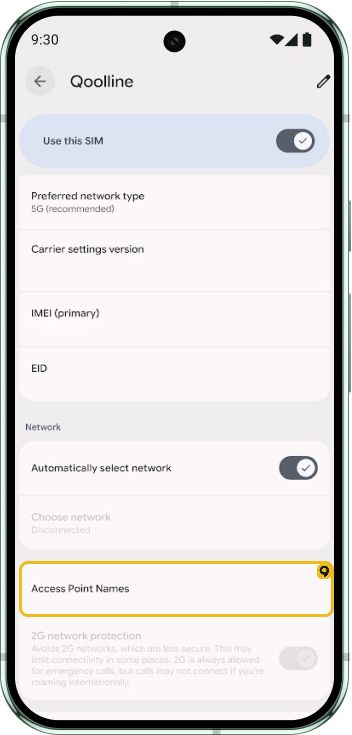
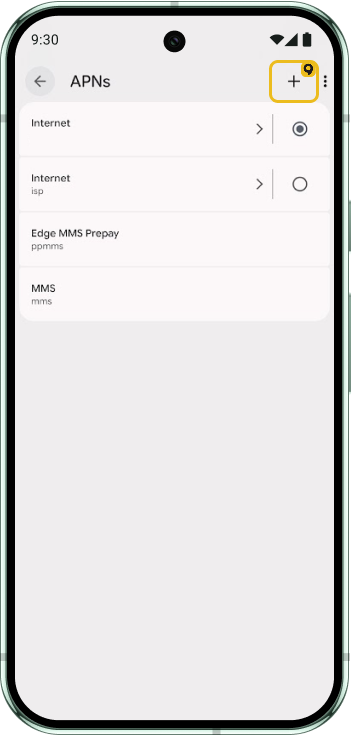
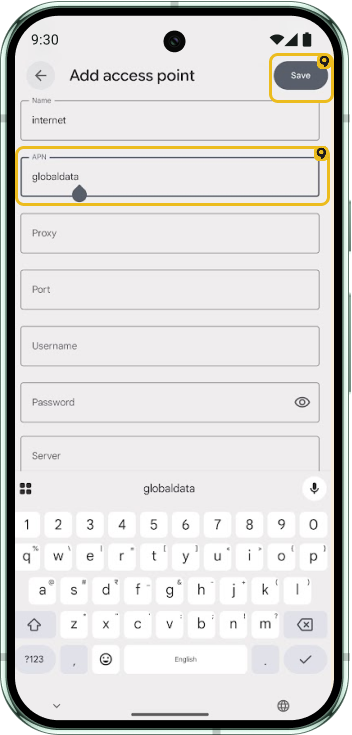
Enter the APN exactly as shown (case‑sensitive).
When to Install and Activate Your Qoolline eSIM for Seamless Connectivity

Learn the best time to install and activate your Qoolline eSIM for hassle-free travel. Install your eSIM in advance and activate it upon arrival to start your data plan at the right time. Follow our expert tips and troubleshooting advice to ensure a smooth eSIM setup and enjoy uninterrupted connectivity on your trip.
Can I Receive Phone Calls on My Primary Number with Qoolline eSIM?
Learn how to receive calls on your primary number using Qoolline eSIM. Check device compatibility for Dual SIM support on iPhones, explore roaming considerations, and discover how to stay connected with both your SIM and eSIM active simultaneously.
How to Check Your Current Data Usage from Qoolline App and Device Settings
Learn how to monitor your data usage for Qoolline eSIM on both iPhone and Android devices through the app and device settings to stay within your data plan.