













Can I install one Qoolline eSIM on multiple devices or move it later?






Can I install one Qoolline eSIM on multiple devices or move it later?

Can I install one Qoolline eSIM on multiple devices or move it later?
For security, a Qoolline eSIM becomes bound to the first device upon activation; QR codes are single use.
1. If switching devices, request a reissue/transfer from your Qoolline account or Support (verification may apply).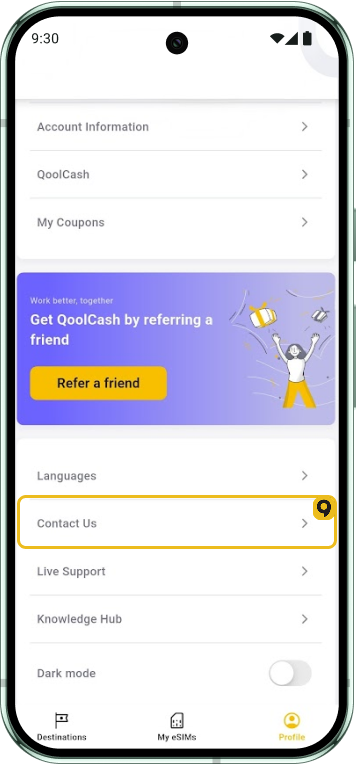
2. Install the new profile on the new phone first; delete the old one after the new profile works.
One eSIM works on one device at a time. Plan ahead if you are upgrading your phone before traveling.
iOS
For security, a Qoolline eSIM becomes bound to the first device upon activation; QR codes are single use.
1. If switching devices, request a reissue/transfer from your Qoolline account or Support (verification may apply). 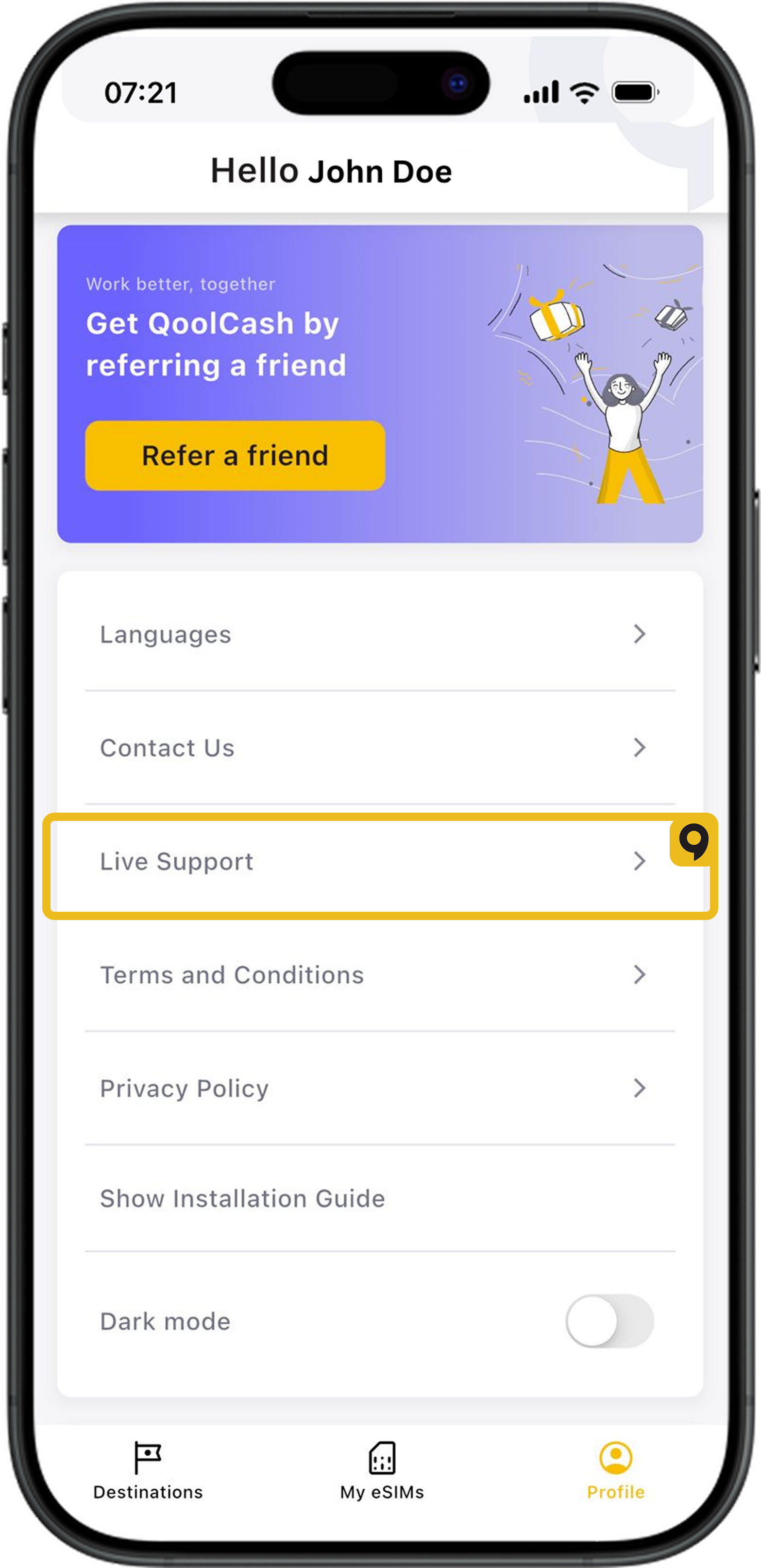
2. Install the new profile on the new phone first; delete the old one after the new profile works.
One eSIM works on one device at a time. Plan ahead if you are upgrading your phone before traveling.
Which Devices Support eSIM?

List of devices supporting eSIM
Can I Install the Same Qoolline eSIM on Multiple Devices?
Learn why Qoolline eSIMs are limited to single-device use. Understand how eSIM activation works, what happens if you remove the eSIM, and how to handle device upgrades. Get expert tips to ensure a smooth eSIM experience.
Can I Install the Same Qoolline eSIM on Multiple Devices?
Understand why a Qoolline eSIM is limited to one device and learn about the support available if you need assistance.