













My phone supports eSIM, but Qoolline shows “Not Compatible”. Why?






My phone supports eSIM, but Qoolline shows “Not Compatible”. Why?

My phone supports eSIM, but Qoolline shows “Not Compatible”. Why?
Seeing compatibility warning even on an eSIM-capable phone usually points to carrier lock, firmware region limits, or admin restrictions, not the hardware itself.
iOS
1. Confirm the phone is unlocked: insert a SIM/eSIM from another carrier. If it fails, request an unlock from your current carrier.
2. Check regional firmware: some variants ship with eSIM disabled (e.g., certain mainland China models).
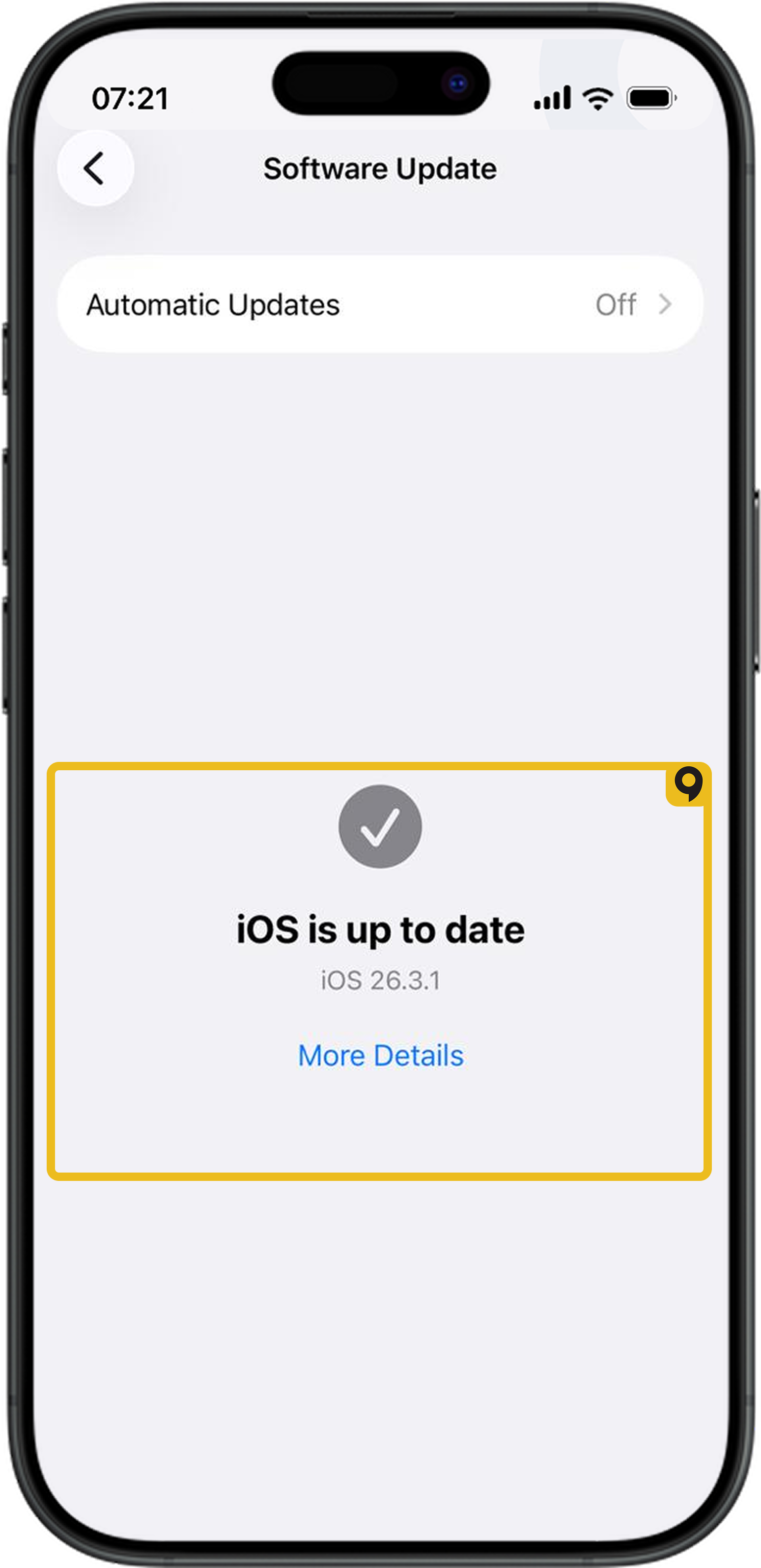
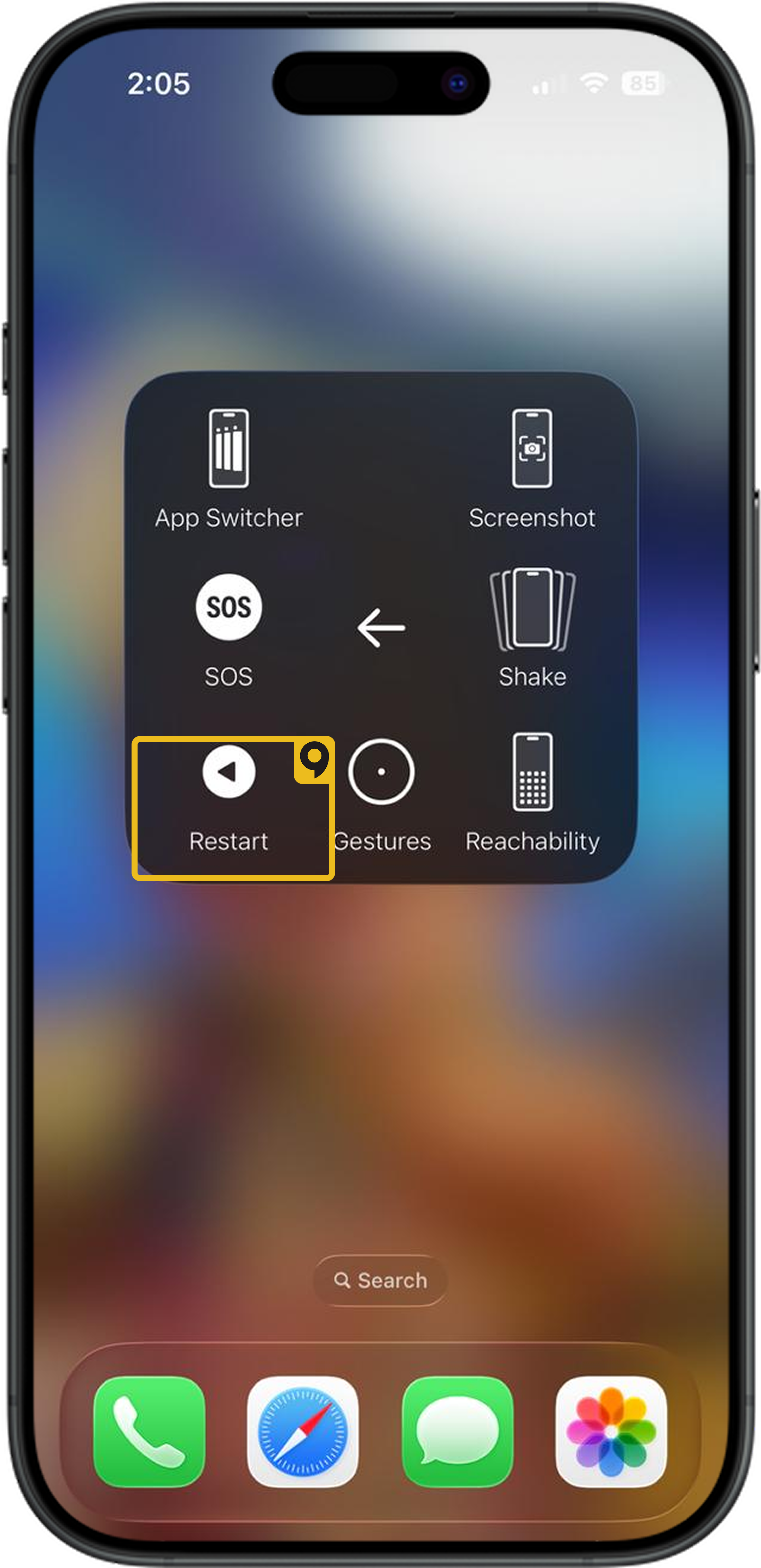
3. Update to the latest OS, then restart.
If “Add eSIM” remains missing after updates and admin checks, your specific variant likely lacks eSIM. Use a supported device to proceed.
Android
Seeing compatibility warning even on an eSIM-capable phone usually points to carrier lock, firmware region limits, or admin restrictions, not the hardware itself.
1. Confirm the phone is unlocked: insert a SIM/eSIM from another carrier. If it fails, request an unlock from your current carrier.
2. Check regional firmware: some variants ship with eSIM disabled (e.g., certain mainland China models).
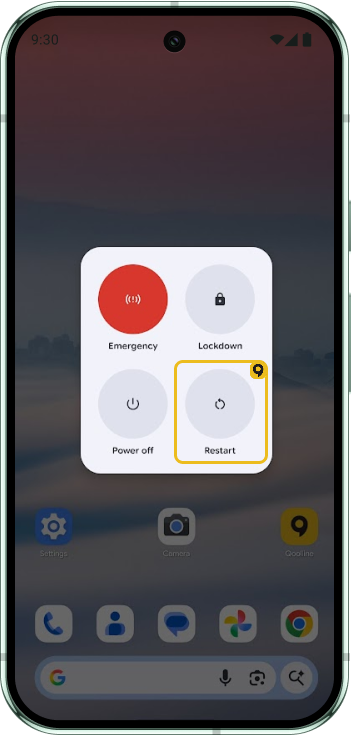
3. Update to the latest OS, then restart.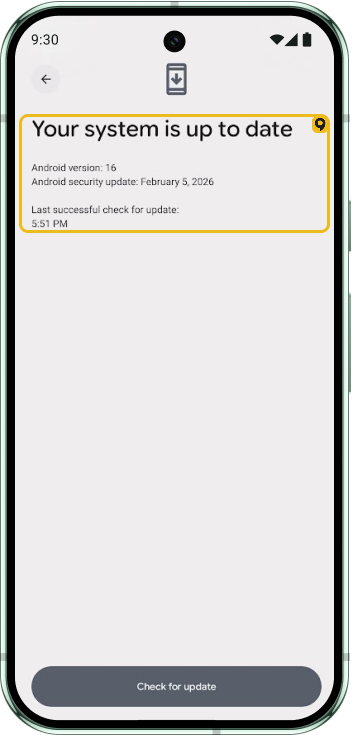
If “Add eSIM” remains missing after updates and admin checks, your specific variant likely lacks eSIM. Use a supported device to proceed.
Which Devices Support eSIM?

List of devices supporting eSIM
Can I Install the Same Qoolline eSIM on Multiple Devices?
Learn why Qoolline eSIMs are limited to single-device use. Understand how eSIM activation works, what happens if you remove the eSIM, and how to handle device upgrades. Get expert tips to ensure a smooth eSIM experience.
Can I Install the Same Qoolline eSIM on Multiple Devices?
Understand why a Qoolline eSIM is limited to one device and learn about the support available if you need assistance.