













Why Don’t I See 5G in the Status Bar on My iPhone with Qoolline eSIM?






Why Don’t I See 5G in the Status Bar on My iPhone with Qoolline eSIM?

Why Don’t I See 5G in the Status Bar on My iPhone?
If your iPhone and Qoolline eSIM support 5G, you should experience faster data speeds with 5G connectivity. However, if you don’t see the 5G icon in your iPhone’s status bar, follow the troubleshooting steps below.
Steps to Check for 5G Connectivity
1. Ensure You Are in a 5G Coverage Area
• Make sure your current location is within an area with 5G coverage. If the signal is weak or unavailable, your connection may default to 4G or LTE.
2. Check Your Cellular Settings
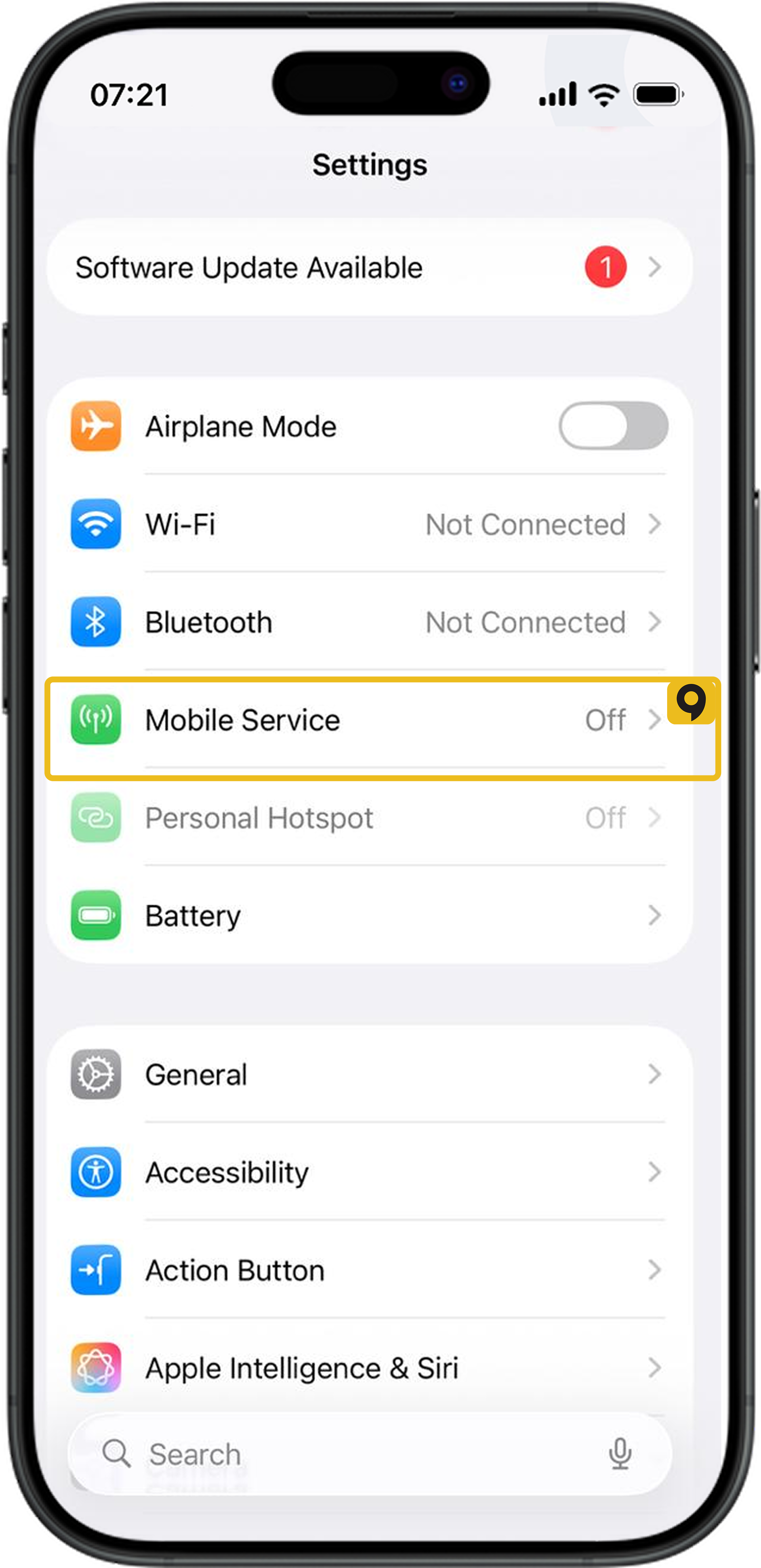
• Go to Settings > Cellular (or Mobile Data).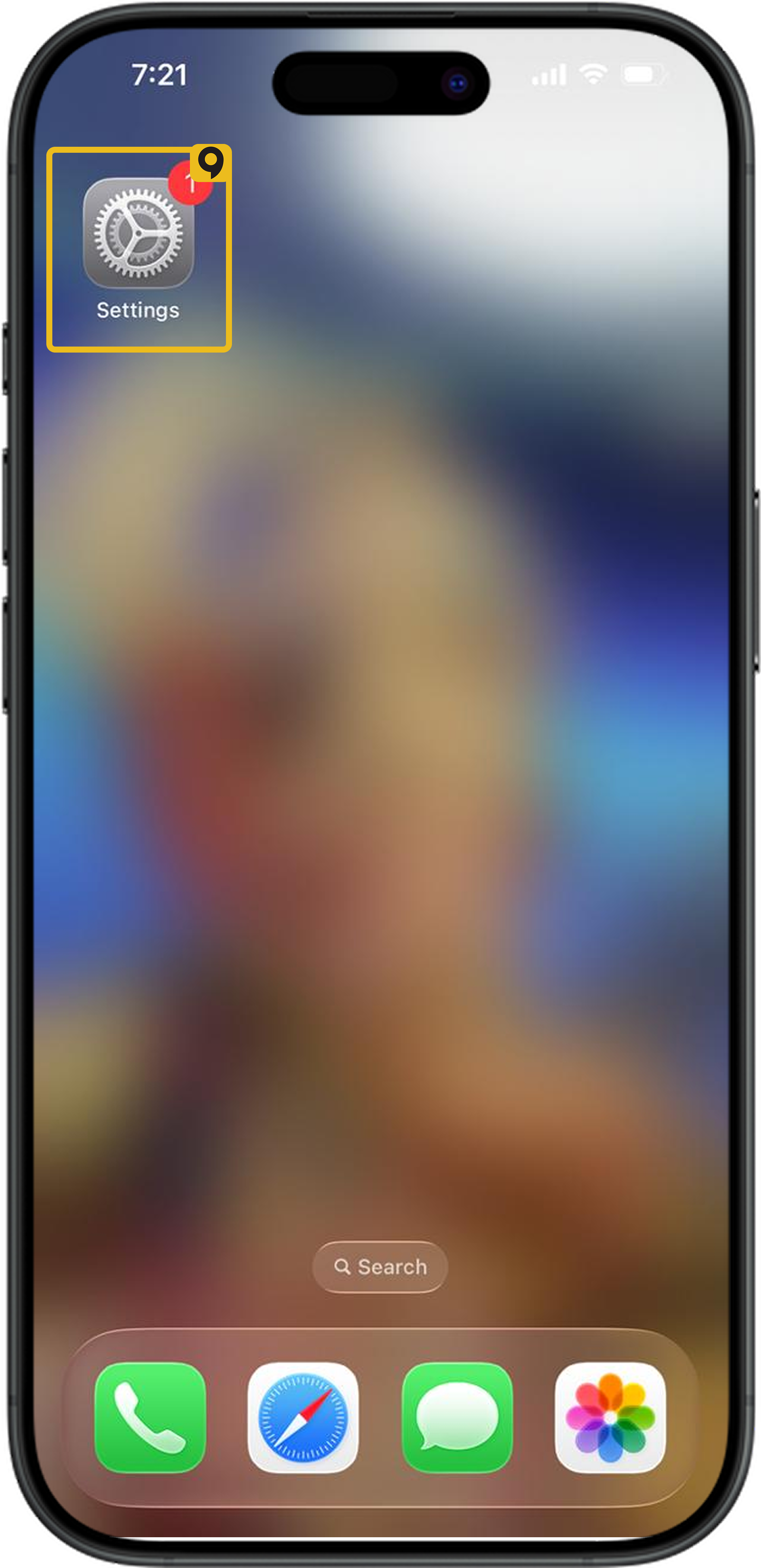
• Tap the preferred SIM (choose your Qoolline eSIM if installed).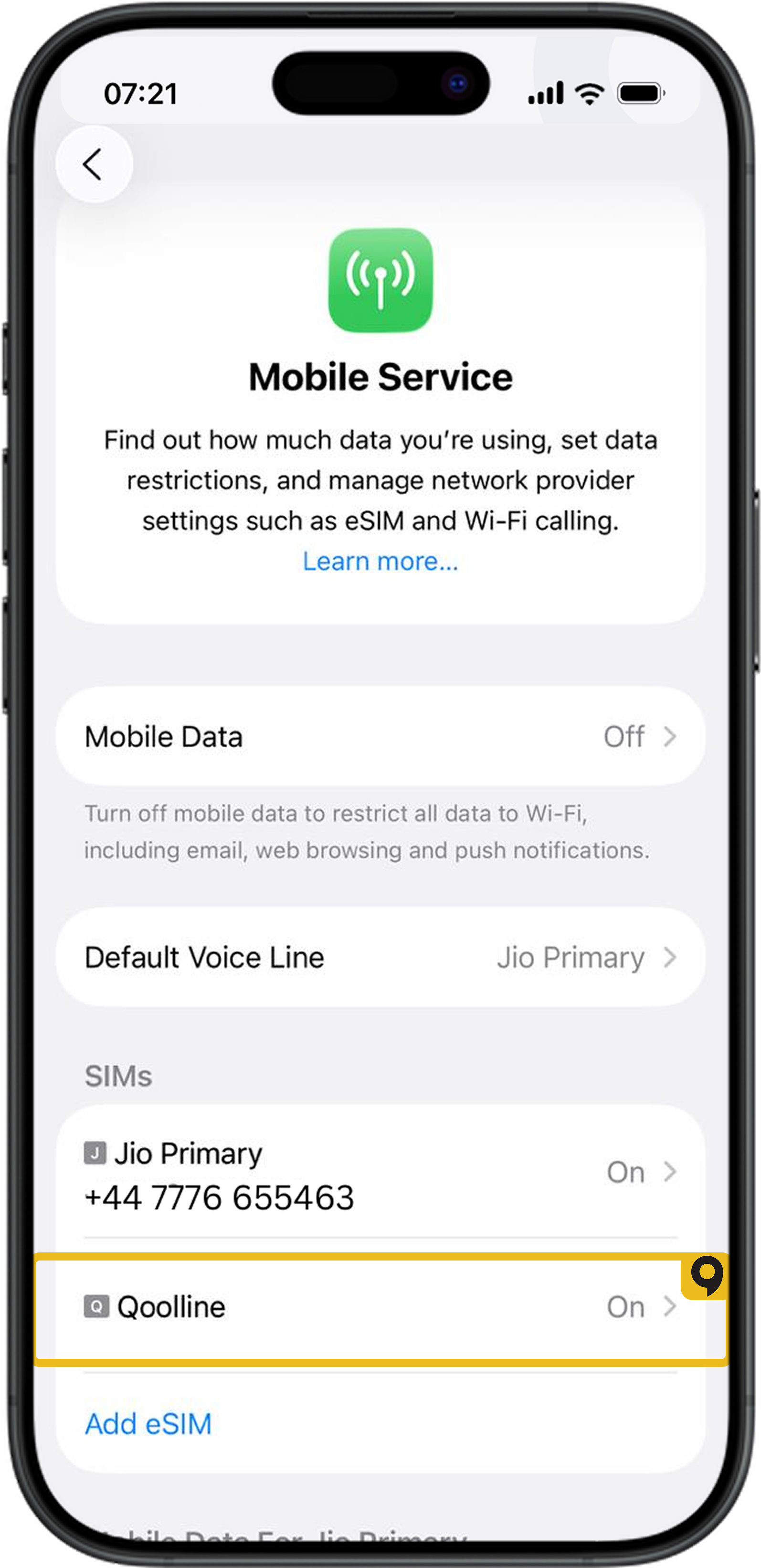
• Tap Cellular Data Options > Voice & Data.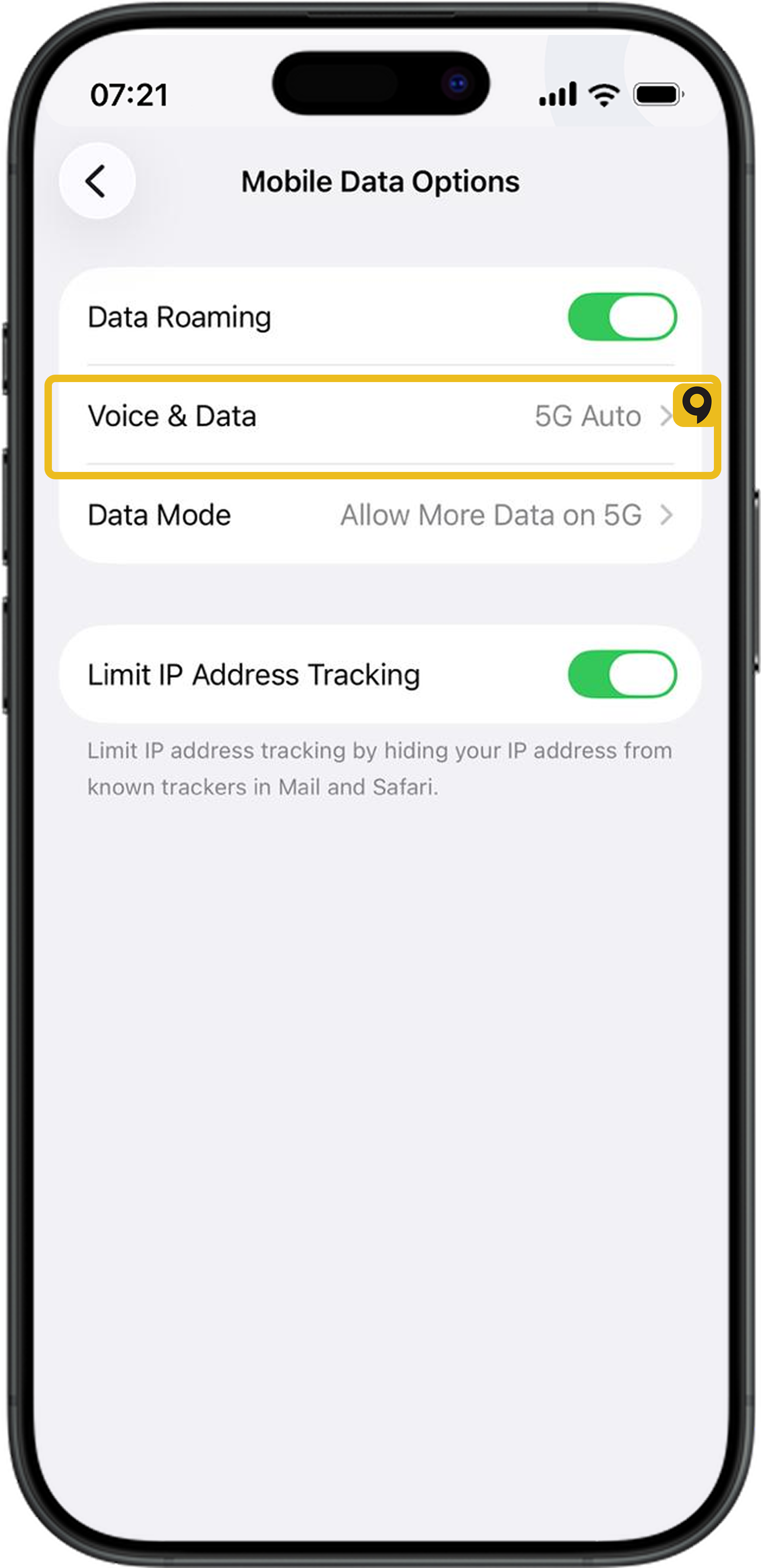
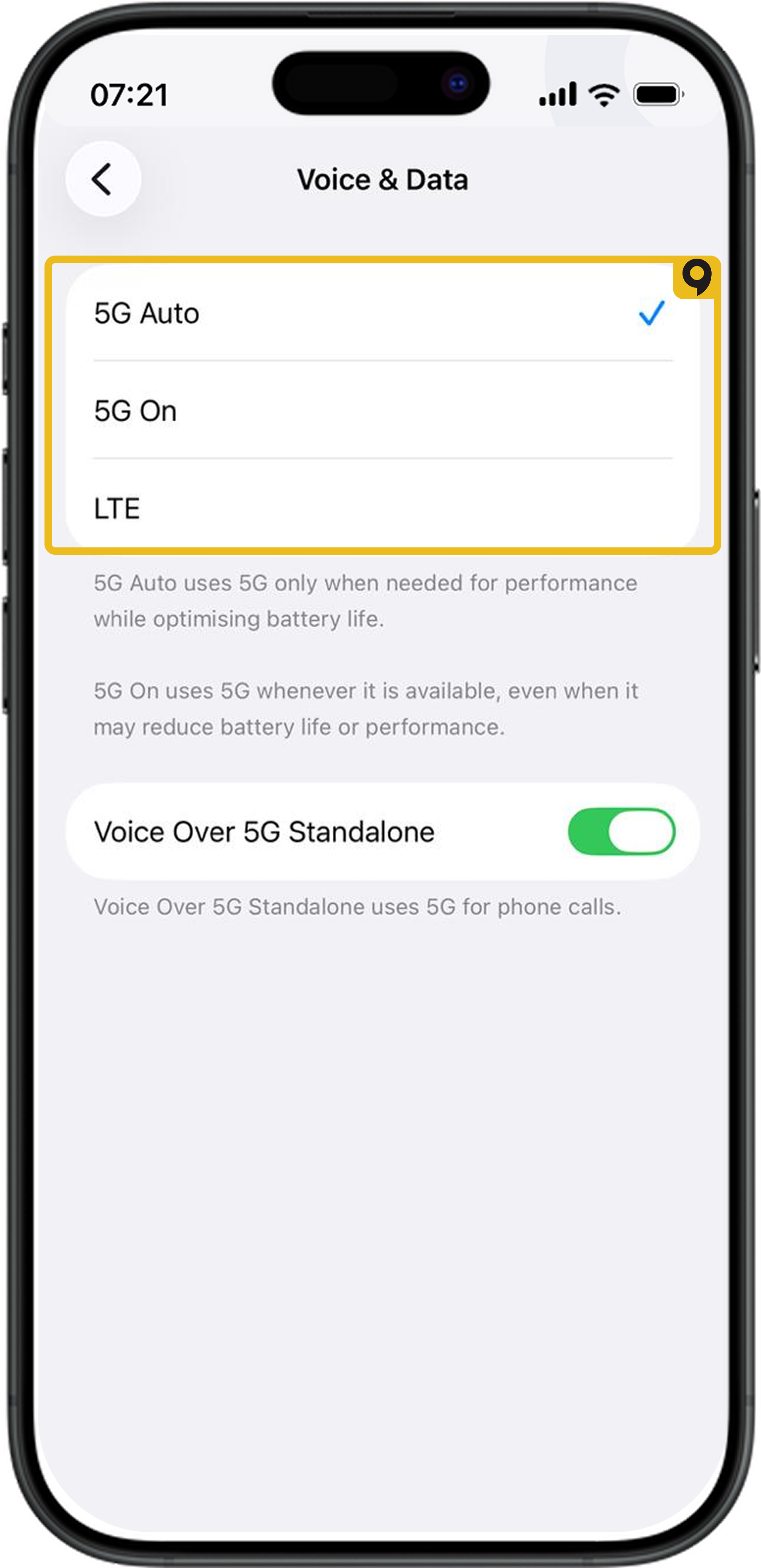
• If 5G On is available, it means 5G is activated on your device.
• If 5G is not an option, the eSIM or carrier may not support 5G.
3. Reconnect to the Network
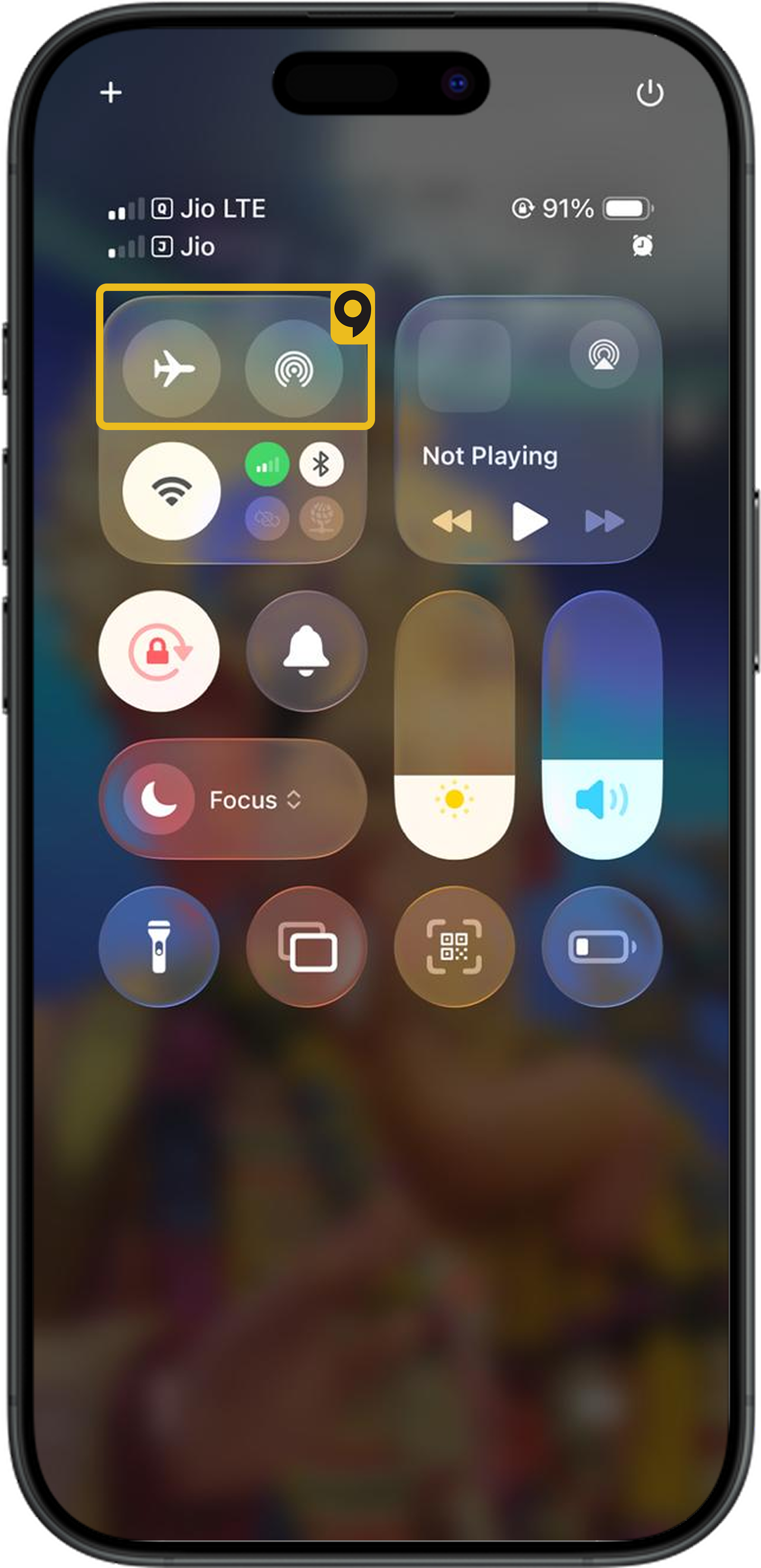
• If 5G is activated in your settings, try toggling Airplane Mode on and off to reconnect to the 5G network.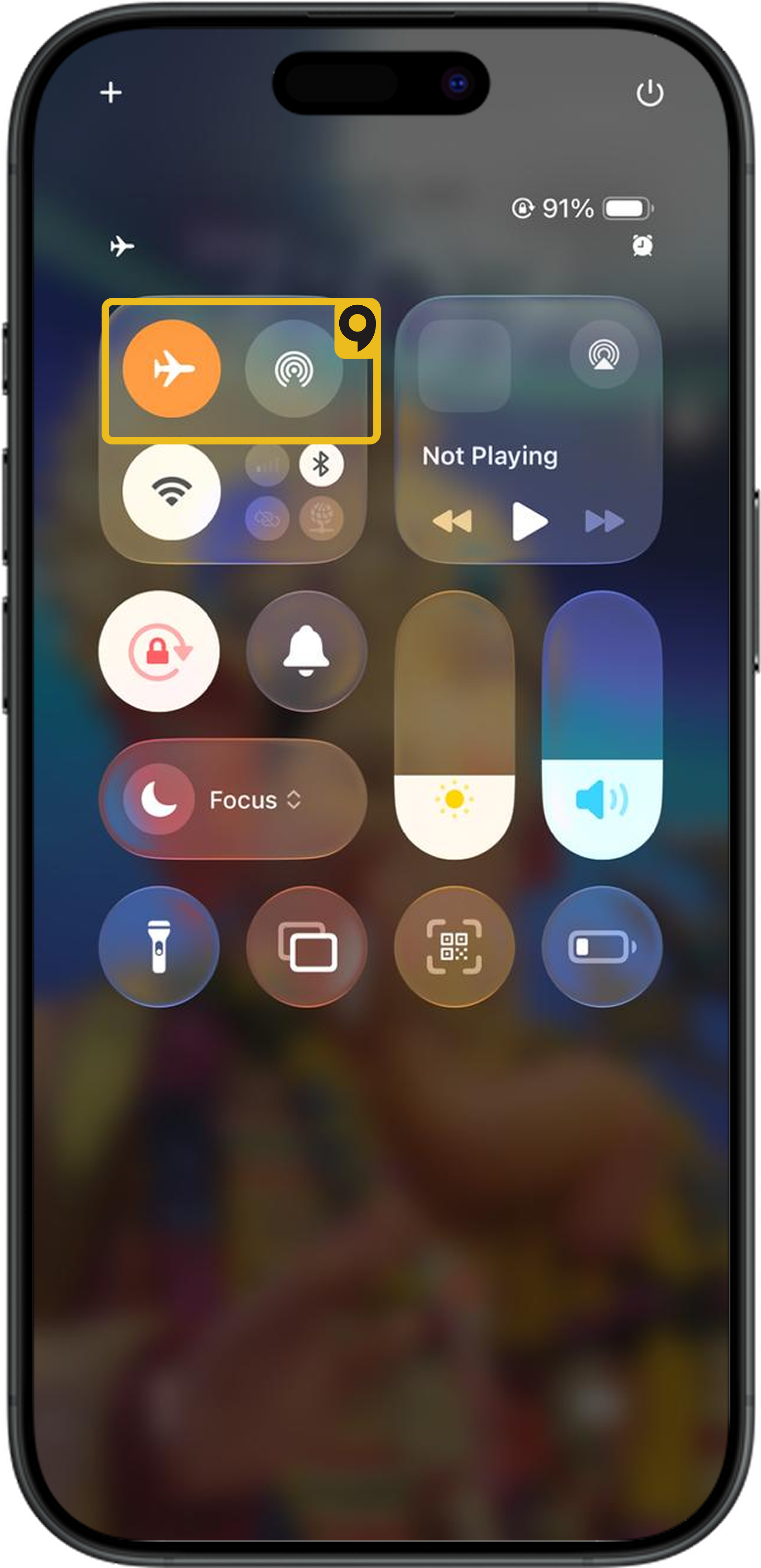
Additional Information
• Device Compatibility: Only iPhone 12 models or later are compatible with 5G networks.
• Coverage Requirements: Even with a 5G-compatible device, being too far from a 5G tower can cause your connection to switch to 4G or LTE.
Need Further Help?
If you still don’t see 5G in the status bar, please contact Qoolline support for further assistance.
Can I Receive Phone Calls on My Primary Number While Using Qoolline eSIM?

Learn how to receive calls on your primary number while using Qoolline eSIM, including setup steps and important considerations for Dual SIM use.
Can I Access All Apps and Websites with Qoolline eSIM Mobile Data?
Find out if you can access all apps and websites using Qoolline eSIM mobile data, and understand potential limitations that may apply.
How to Check Your Current Data Usage from Qoolline App and Device Settings
Learn how to monitor your data usage for Qoolline eSIM on both iPhone and Android devices through the app and device settings to stay within your data plan.